What we build
One system built around the way your business actually works.
A Command Center can bring together the information, workflows, and software that matter to your business without requiring you to throw away the tools that already work.
It can be as focused or comprehensive as the operation requires.
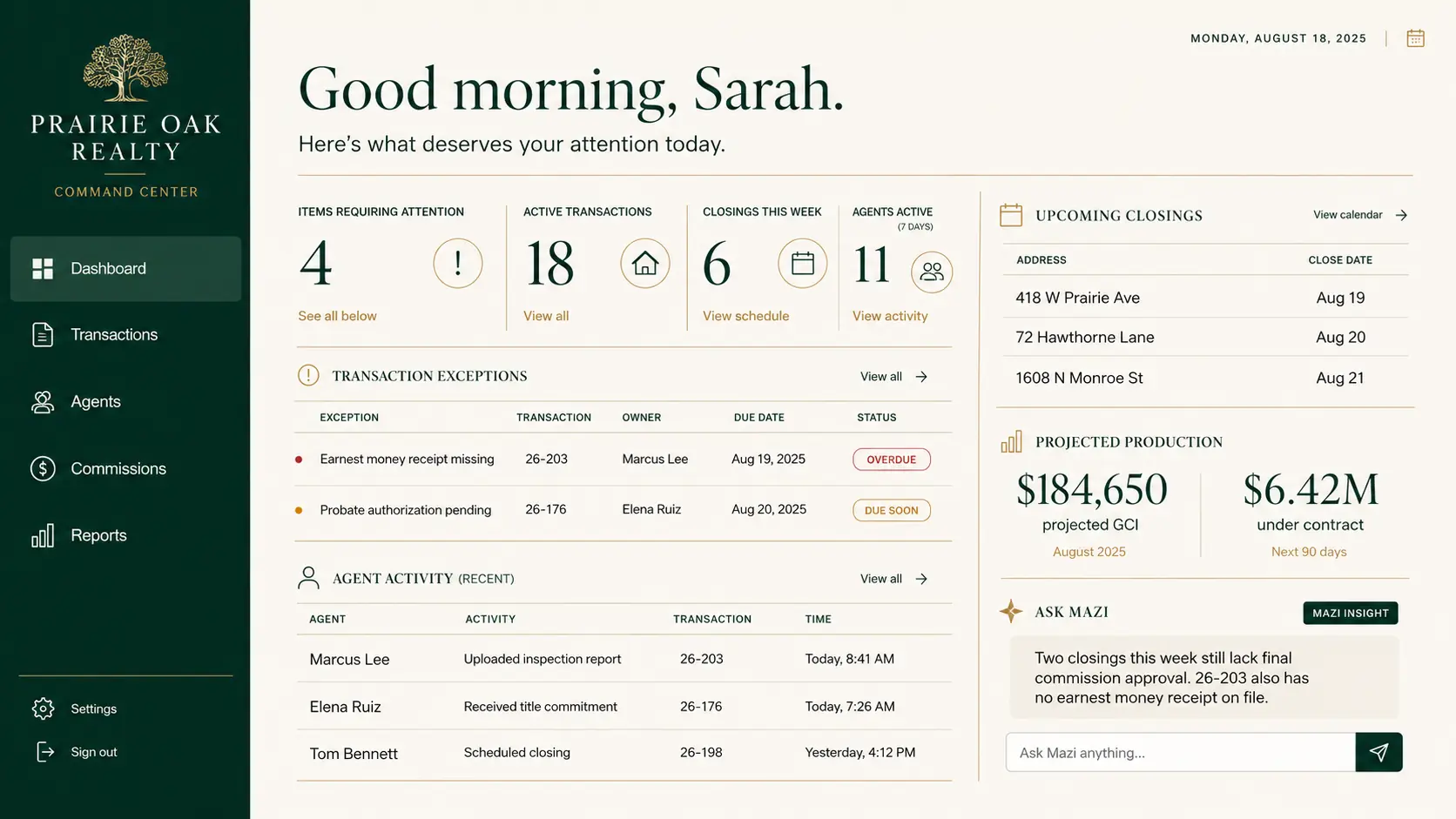
Five useful lenses
The point is not more software. It is a clearer operation.
Every Command Center is different, but the work usually falls into a few connected questions: What needs to be visible? What should communicate? What needs structure? What can stop being manual?
01 See it
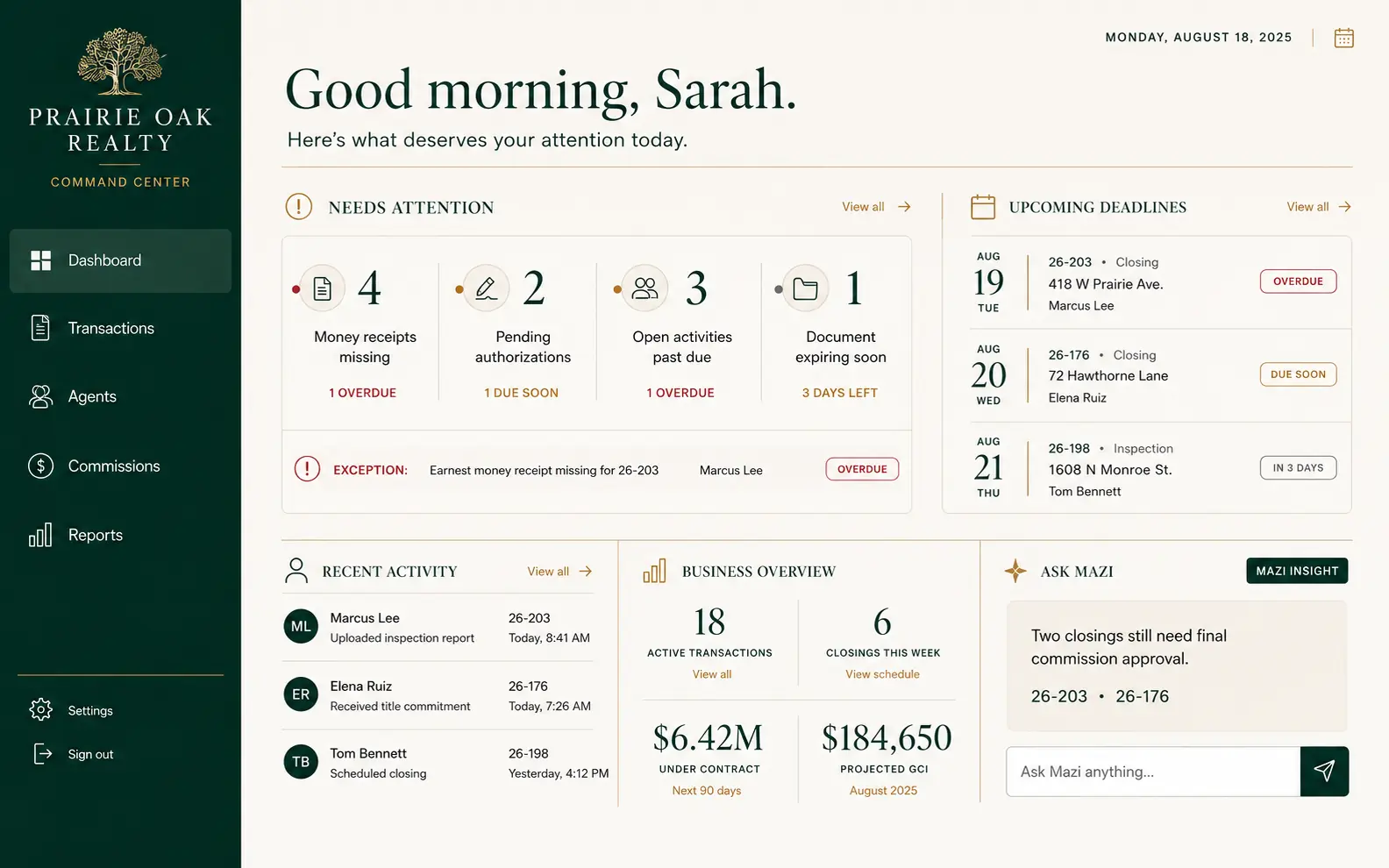
See what matters without hunting for it.
A useful operating view puts the important work where it can be understood quickly—not buried across tabs, inboxes, spreadsheets, and someone else's memory.
02 Connect it
Keep the software that works. Replace the glue.
A Command Center can become the operational layer between the systems that matter—where practical and where the systems involved provide a useful way to connect.
That might include a CRM, accounting, email, calendar, forms, transaction management, an industry application, or an external API. The exact connection depends on technical support, access, and what is sensible to maintain.
Existing systems
CenterInformation moves where it belongs.
03 Run it
Turn informal processes into real workflows.
Onboarding, recruiting, transaction coordination, customer handoffs, sales processes, approvals, projects, and internal operations become easier to manage when the next action does not live in one person's head.
Not another checklist. A clearer way to move work.
04 Automate it
Let software do the repetitive work software is good at.
Automation is not about making people disappear. It is about removing the mechanical work that keeps good people copying, checking, re-entering, and reminding.
More time for judgment, relationships, selling, management, and exceptions.
05 Ask it
Add a useful conversational layer when it earns its place.
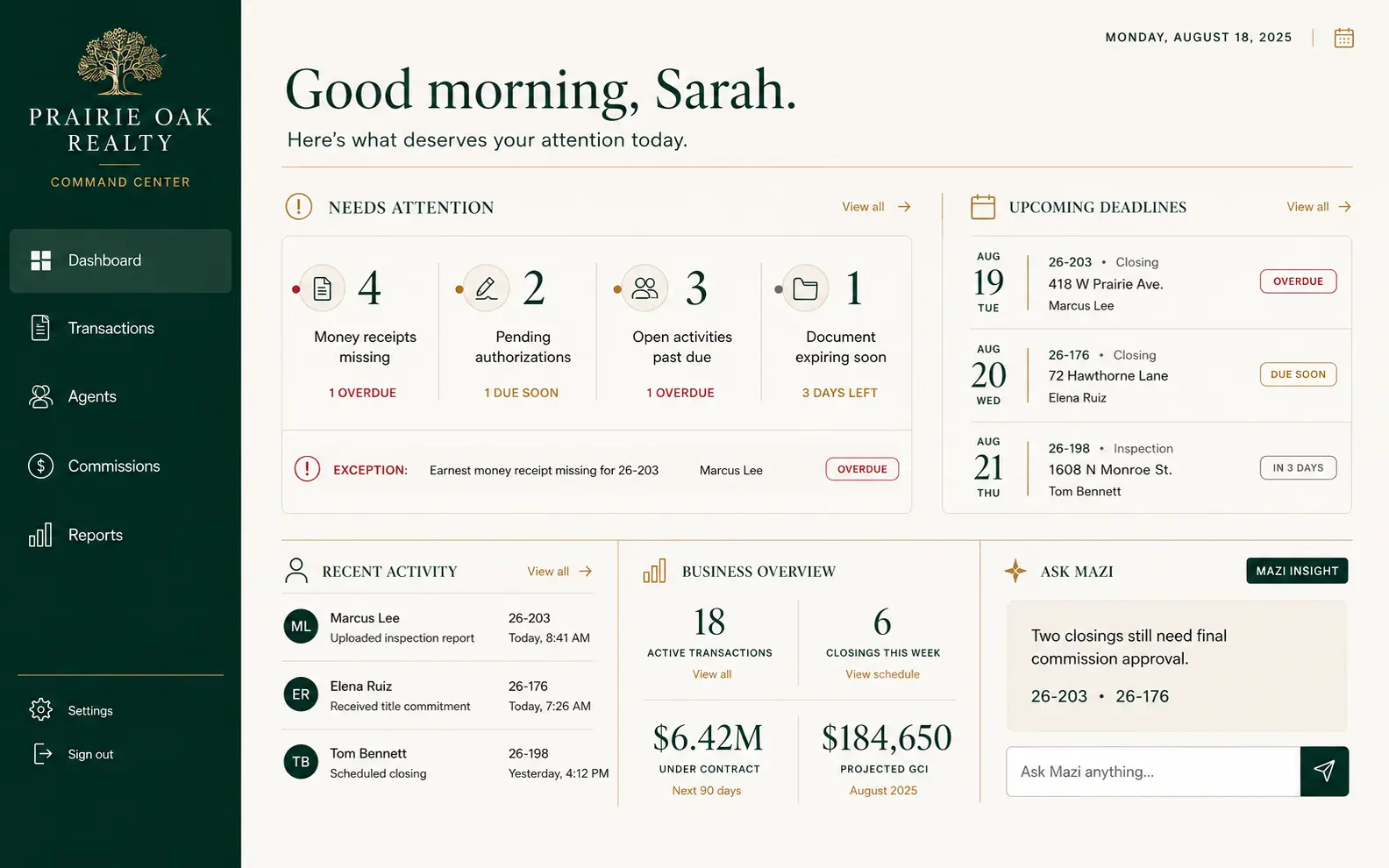
Mazi is optional. When included, Mazi can work with information already available inside the Command Center to answer grounded questions, summarize changes, and surface items worth attention.
Exact capabilities depend on the information available to the system and the integrations that support it.
AI is optional. A useful system isn't.
Which transactions need my attention?
Three deserve a closer look. One is missing final approval, one has a deadline tomorrow, and one has had no recorded activity in eight days.
Based on Command Center information ↗Different by design
Your Command Center should be defined by the business problem, not a predetermined feature package.
One business may primarily need visibility. Another may need workflow, integrations, and automation. Another may benefit from all five. The right system starts with what would make the operation meaningfully better.